I completed an individual screencasting project using Camtasia to record and edit a two-minute quick start video guide adhering to principles of minimalism in documentation. I developed skills in creating video help for technology users, as well as in preproduction and postproduction.
Background
During this project, I gained familiarity with TechSmith Camtasia as a tool for video production. Our instructor’s criteria for the video included:
- a procedural (not conceptual) quick start guide that follows principles of minimalism
- screencasting is used as a means of helping the novice user complete tasks with the product
- visual markers (special effects) clarify steps in the procedure
- audio narration and/or background music (not copyrighted)
Minimalism
In the world of documentation, minimalism is a series of principles related to how technology users learn most effectively. In my class, we learned that the three main principles are derived from John Carroll’s 1990 book, Minimalism, as follows:
- Principle 1: Allow users to start immediately on meaningful tasks.
- Principle 2: Reduce the amount of reading and passive activity in training
- Principle 3: Help make errors and error recovery less traumatic and more pedagogically productive.
Process
The process for creating the final video involved creating a script and storyboard (preproduction), recording the visual content and voiceover, and editing the final content (postproduction).
Preproduction
I began by developing a script and a storyboard using a template adapted from Greg Larson’s The Storyboard: An Outline for Visual Technical Communications. Creating a script and storyboard ahead of time helped me organize my ideas and prepare more effectively for recording. This step minimized production time and ensured that the process went as close to plan as possible. See my script and storyboard file below.
Recording
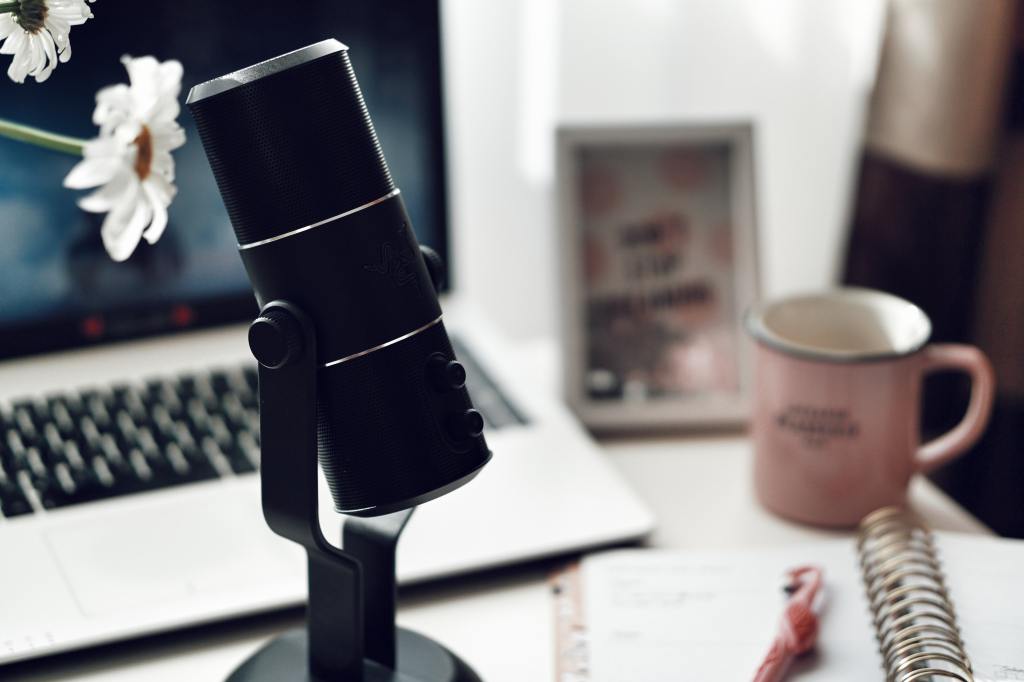
After completing the script and storyboard, I began the recording process. First, I recorded the screencast using Camtasia. I read the script aloud to myself as I interacted with the screen to ensure that the video would match the voiceover as much as possible. Next, I recorded the voiceover using an Audio Technica microphone and Focusrite Scarlett interface I already own for other hobbies. I made full pauses between sentences so that sentences could be cut and rearranged as necessary and did several takes of everything.
Postproduction
After recording all the material, I began the editing process. I trimmed unnecessary video content and doubled the length of other frames as needed. Then, I cut and rearranged the voiceover to match perfectly over the video. After arranging the content, I added simple transitions between shots. I also added a mouse highlight using Camtasia’s library of special effects to draw attention to each click.
Result
The final video is linked below. The video received a 17 out of 20, and I gained valuable experience about creating effective instructional video content that’s helped me succeed in my current role.
 Jillian Garcia